Turn photos and ideas into print-ready artwork.
Improve image quality automatically.
Offer mugs, apparel, home decor and hundreds more.
Launch your own branded gift store in minutes.
Get real-time pricing as you customize.
Built to rank and bring in more customers.
Track orders from payment to production and delivery.
Connect with your favorite tools and platforms.
get help whenever you need it
See the complete list of platform features and tools
Create personalized gifts with photos, text and graphics in minutes.
Custom apparel, merch and team gear
Direct-to-garment apparel printing
Hats, polos, jackets and more
Mugs, home decor and promotional items
Banners, yard signs, displays and more
Marketing materials, labels and packaging
Simplify ordering and fulfillment
Personalized gifts and photo products
Turn your storefront into steady demand.
Build the integrations and tools your shop needs.
AI-Powered image vectorizer
Email marketing solutions
Customer Support Solution
WordPress Backup & Migration plugin
WordPress complete security plugin
WordPress plugin for google review
A website shaped around your products and workflow.
Multi-workspace email marketing and CRM with flat pricing and sending through its own SES infrastructure.
Shared inbox, live chat, knowledge base, AI copilot, automation and SLA workflows.
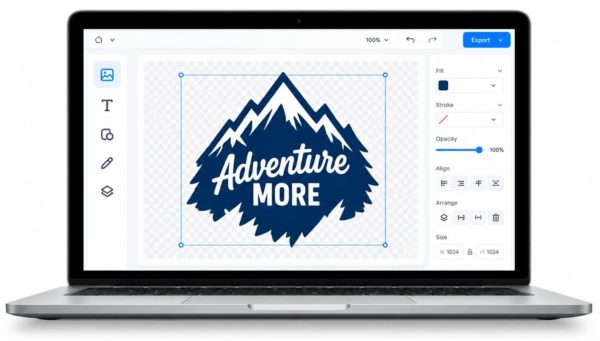
Create, refine and prepare artwork for your next print project.
Scalable artwork for perfect prints.
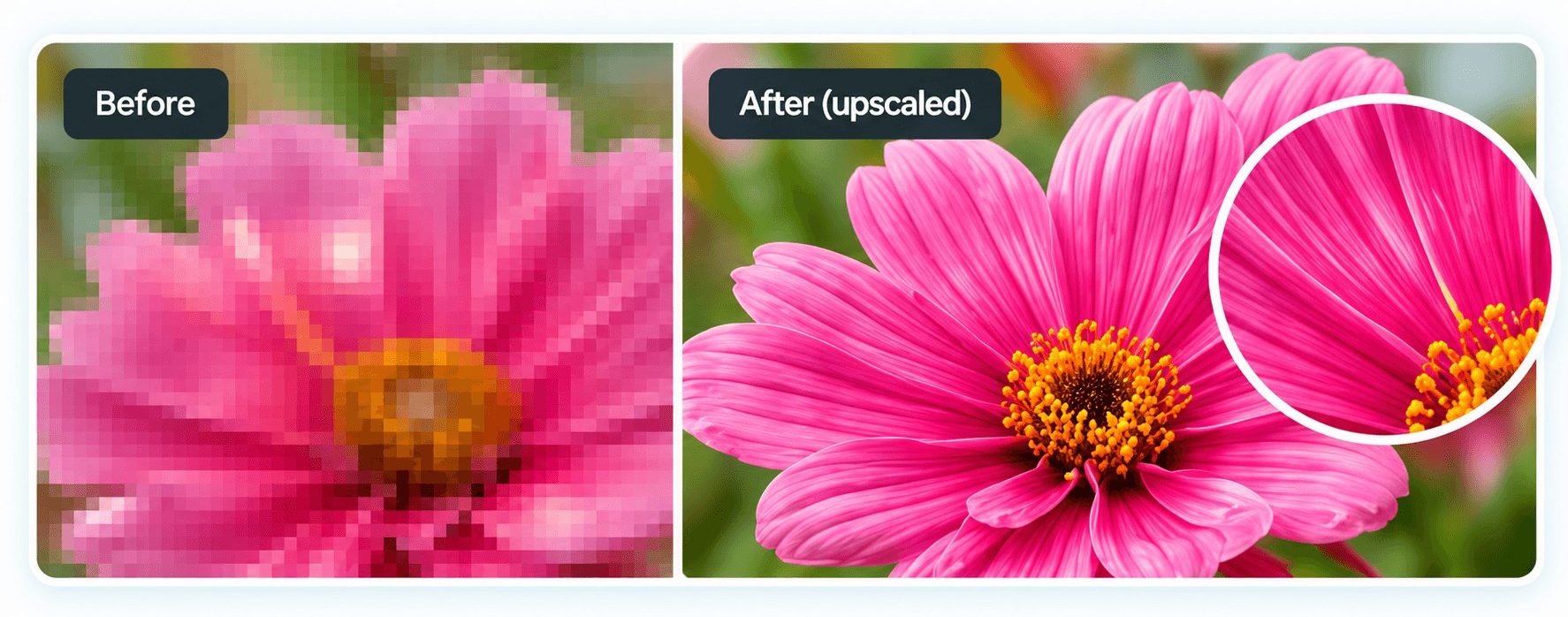
Increase resolution for larger prints.
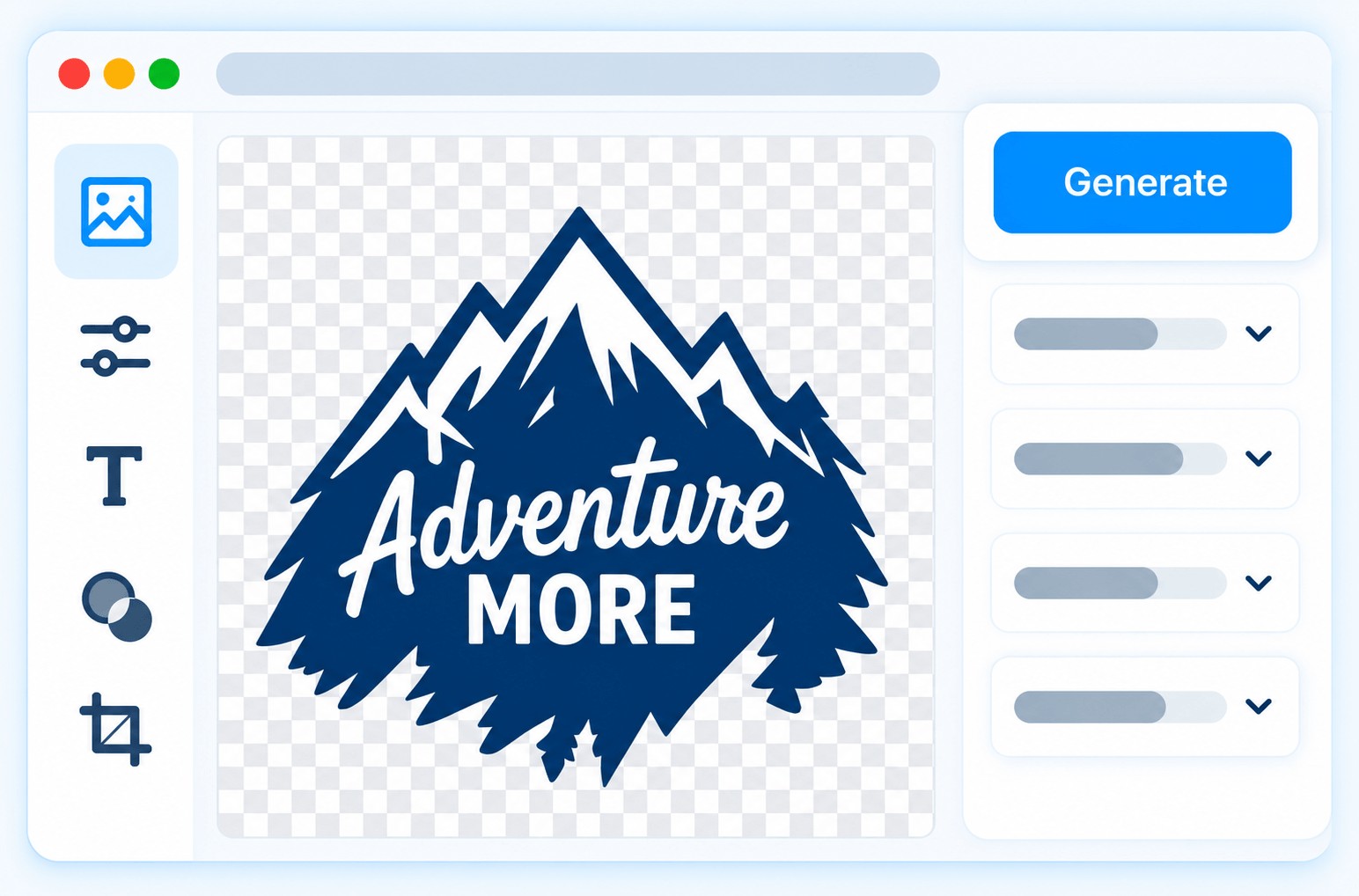
Upload, generate or refine with Al.
Use Al to generate designs, upscale images and create unique artwork inside your design tool.
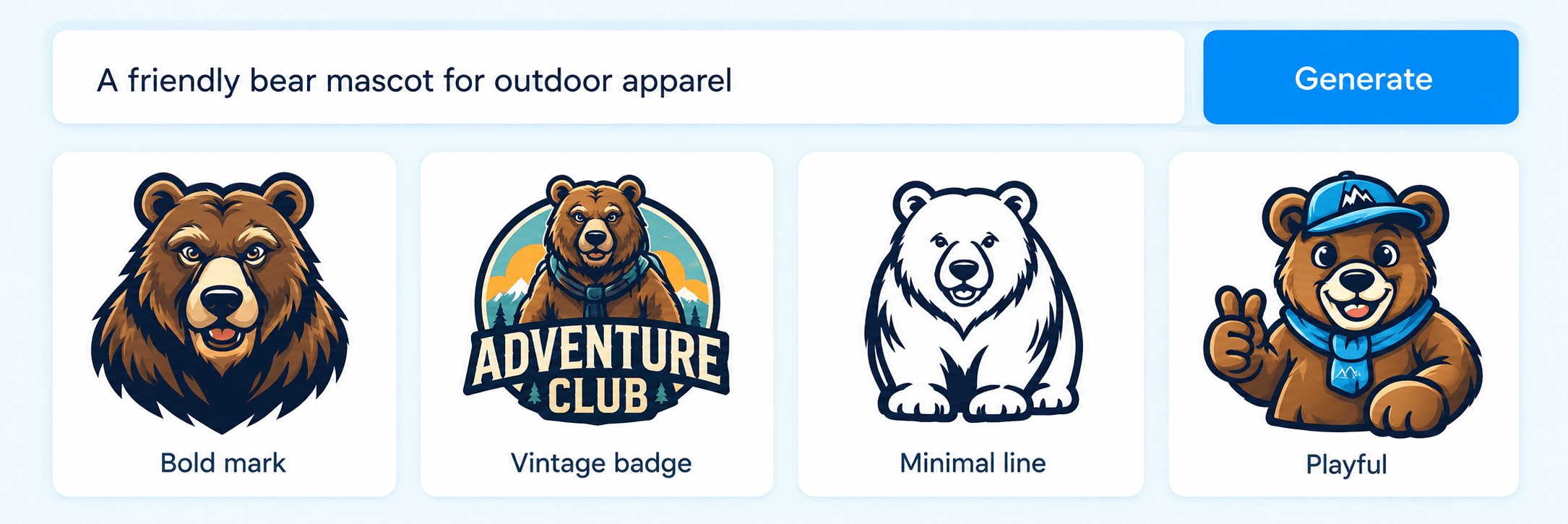
Describe what you want and get custom designs.
Increase image size for sharper prints.
Create and place artwork directly on products.
Upload an existing image or create something new, then prepare the right file for print.
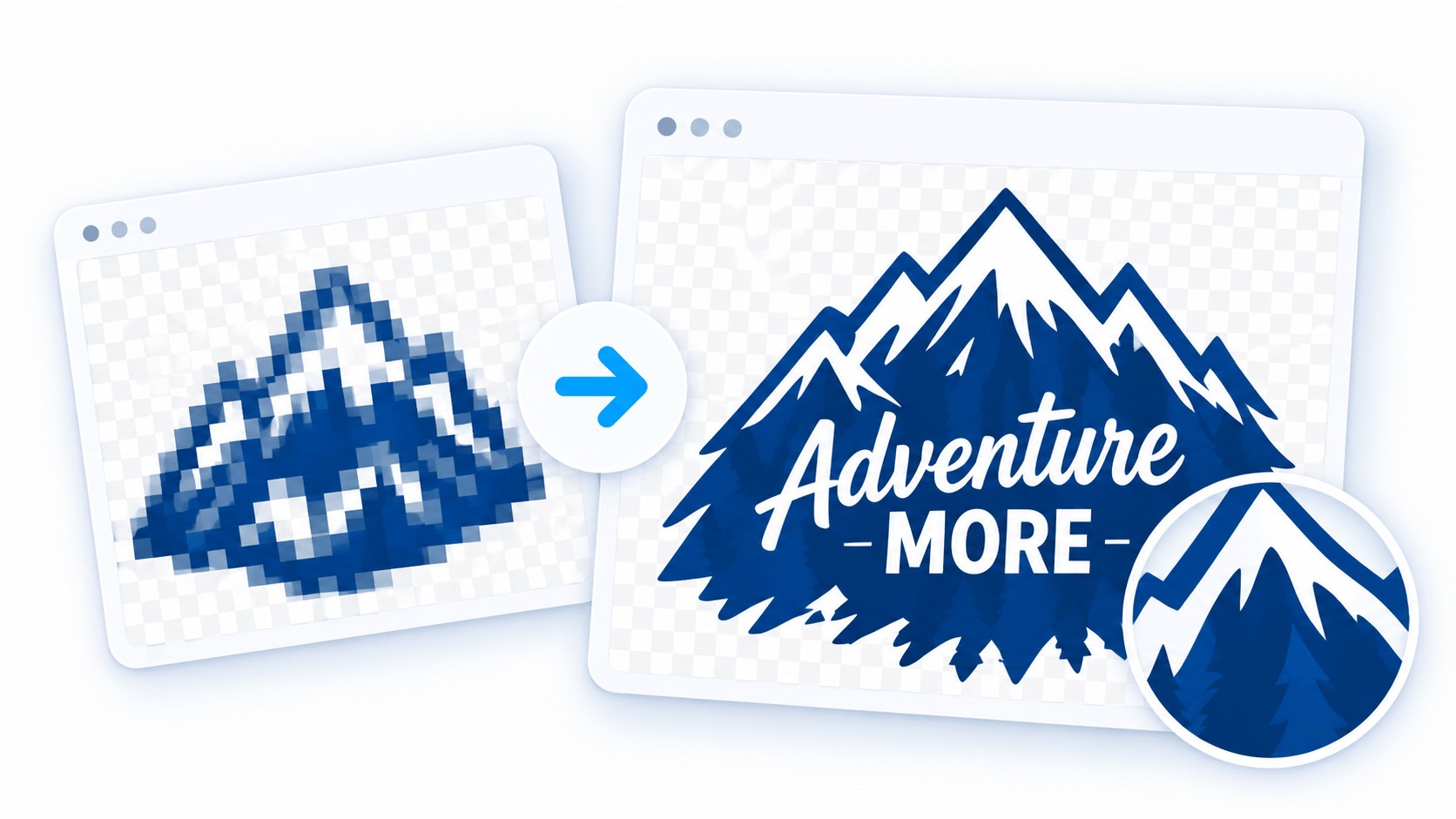
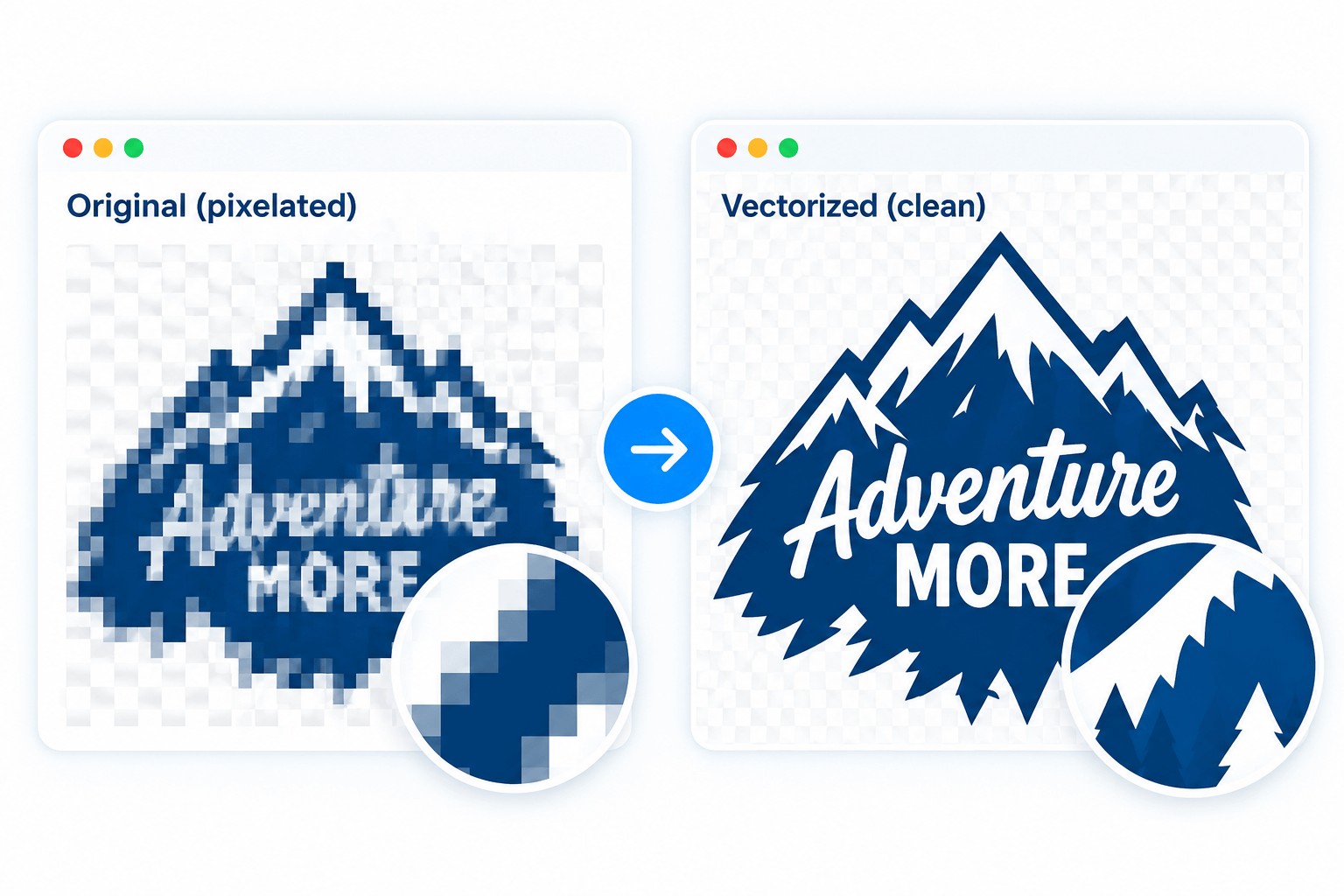
Convert low-resolution logos and artwork into sharp, scalable vector files.
Looks great on anything you print.
Smooth editable vector shapes.
Eacily refine and reduce colors.
GetPrintFiles Al upscaler
Enlarge photos and detailed artwork for your selected print width at 300 DPI.
Available sizes depend on the source image. Upscaing delivers one PNG.
Use Al to generate original artwork from a simple prompt.
Tum your ideas into unique designs.
Get different looks to choose from.
Make adjustments until it's right.
Square, landscape, portrait, and more.
From clean and simple to rich and textured.
Generate, choose, refine, then vectorize.
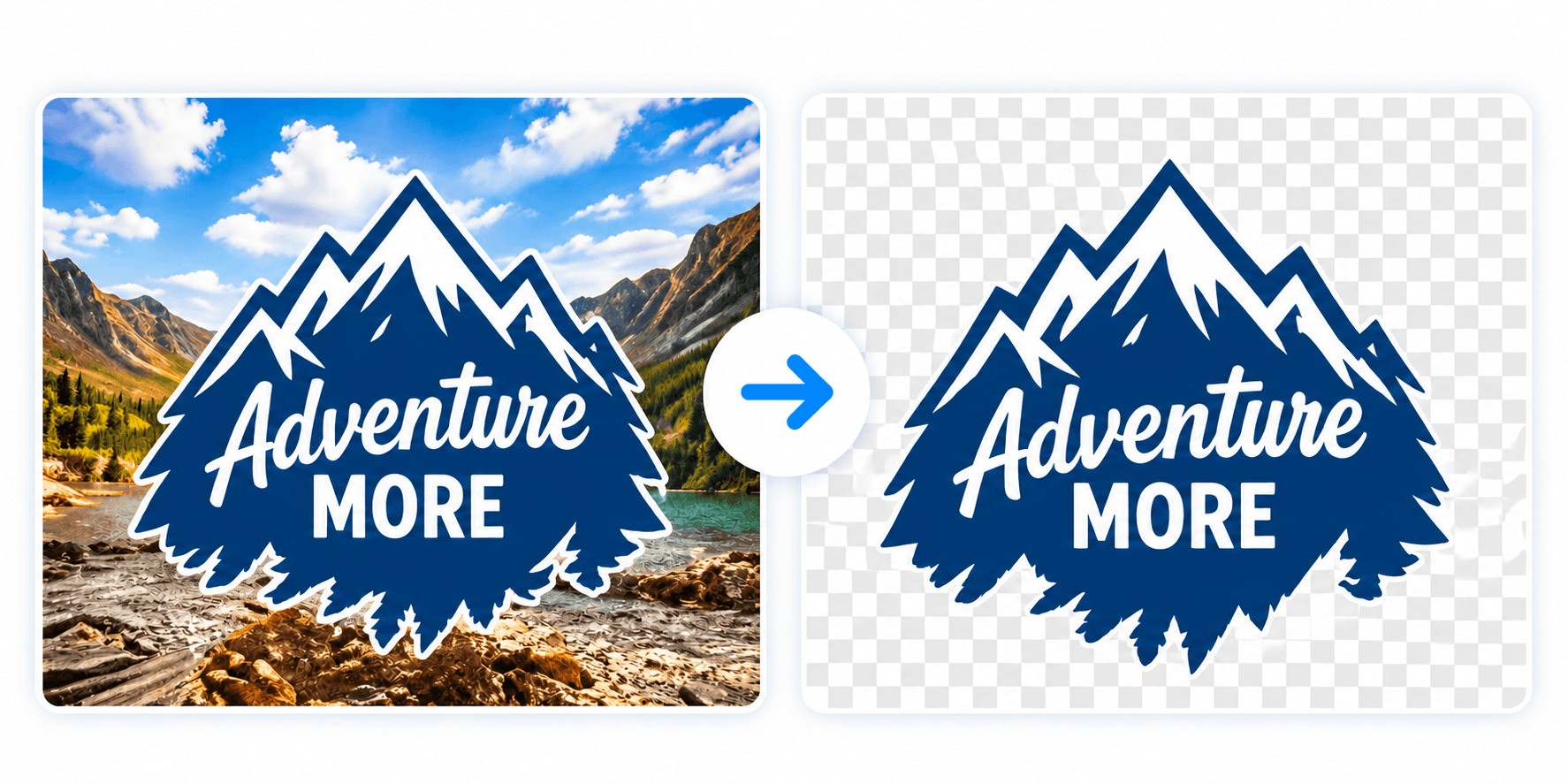
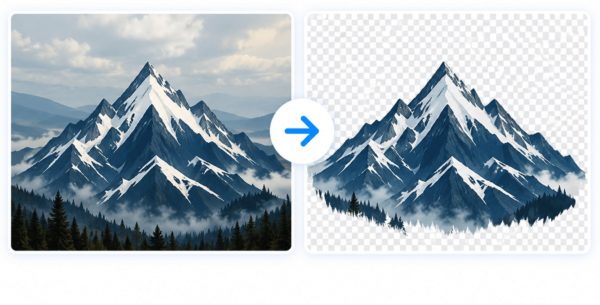
Remove or replace backgrounds to get clean artwork ready for any product or layout.
Remave any backgrounds with one click.
Automaticatly detect and clean.
Preserve your original backgorund.
Fine-tune colora for the best print results.
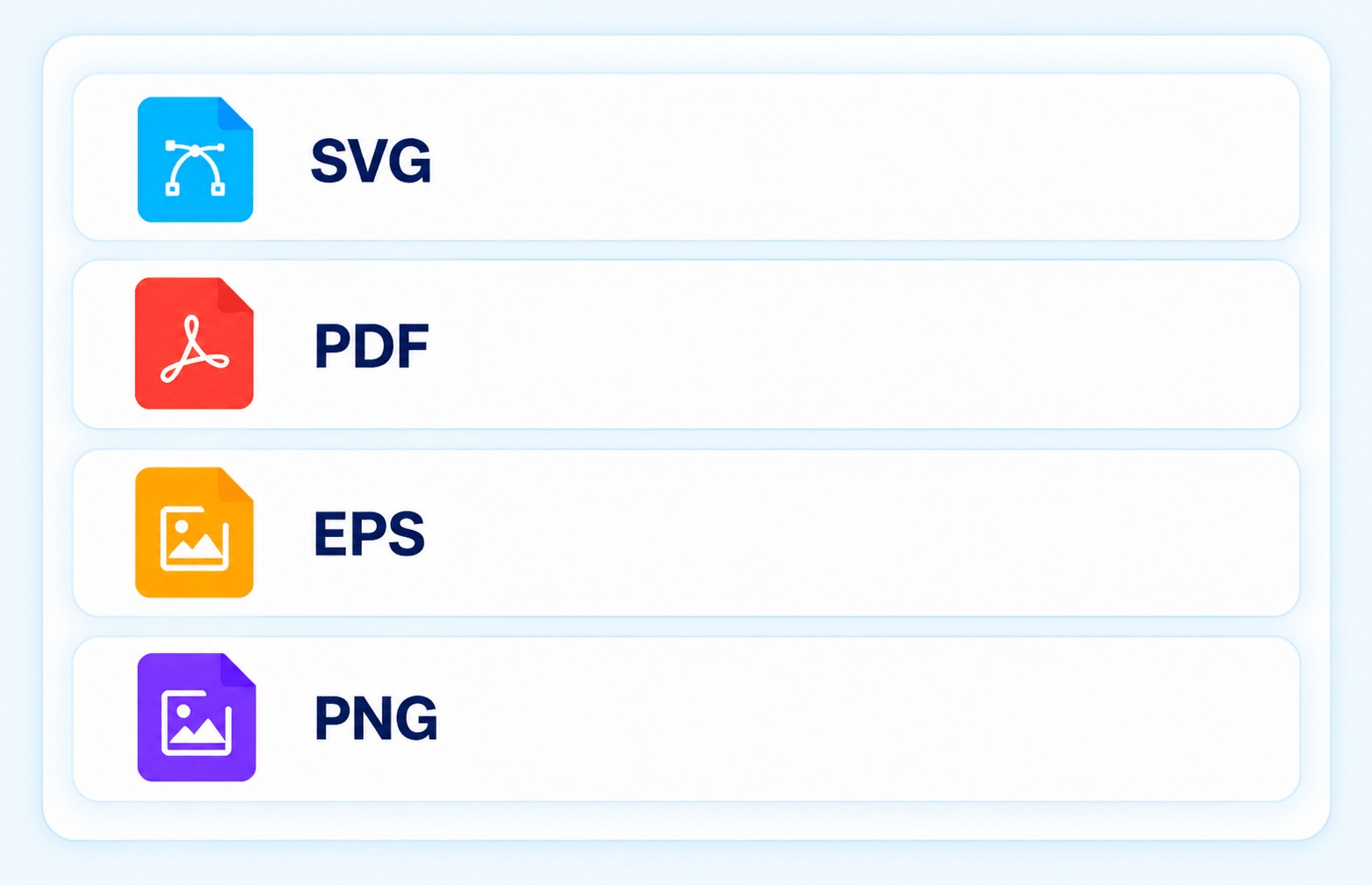
These four formats are included with vectorized designs. Upscaling provides PNG only.
Scalable vector paths for any size.
Vector print file for easy sharing.
For design software and professional use.
300 DPI at your chosen print width.
Upload an image or enter a text prompt.
Revlew your results and make adustments.
Get yoor files in the formatsyou need.
Create and upscale artwork while designing products in your storefront.
Standalone artwork creation, vector conversion and print-size upscaling.
Create, prepare and perfect your artwork with powerful and easy-to-use tools.