Turn photos and ideas into print-ready artwork.
Improve image quality automatically.
Offer mugs, apparel, home decor and hundreds more.
Launch your own branded gift store in minutes.
Get real-time pricing as you customize.
Built to rank and bring in more customers.
Track orders from payment to production and delivery.
Connect with your favorite tools and platforms.
get help whenever you need it
See the complete list of platform features and tools
Create personalized gifts with photos, text and graphics in minutes.
Custom apparel, merch and team gear
Direct-to-garment apparel printing
Hats, polos, jackets and more
Mugs, home decor and promotional items
Banners, yard signs, displays and more
Marketing materials, labels and packaging
Simplify ordering and fulfillment
Personalized gifts and photo products
Turn your storefront into steady demand.
Build the integrations and tools your shop needs.
AI-Powered image vectorizer
Email marketing solutions
Customer Support Solution
WordPress Backup & Migration plugin
WordPress complete security plugin
WordPress plugin for google review
A website shaped around your products and workflow.
Multi-workspace email marketing and CRM with flat pricing and sending through its own SES infrastructure.
Shared inbox, live chat, knowledge base, AI copilot, automation and SLA workflows.
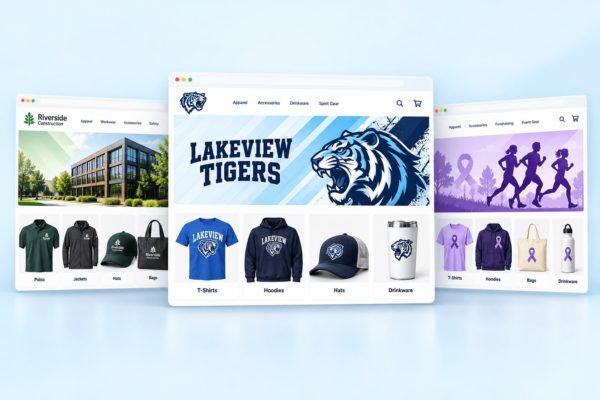
Create branded storefronts for companies, teams and communities. Keep products, designs and orders organized in Web2Ink.
From businesses to schools and special events, create a branded shopping experience for every client.
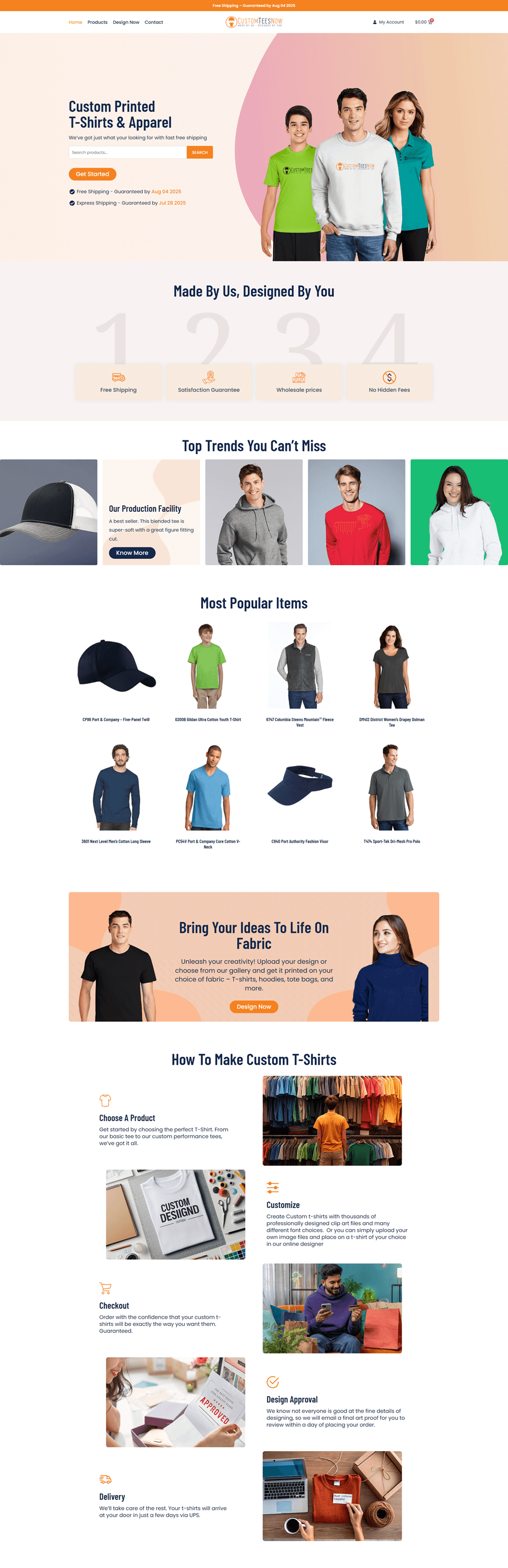
Custom Printed & Apparel Website
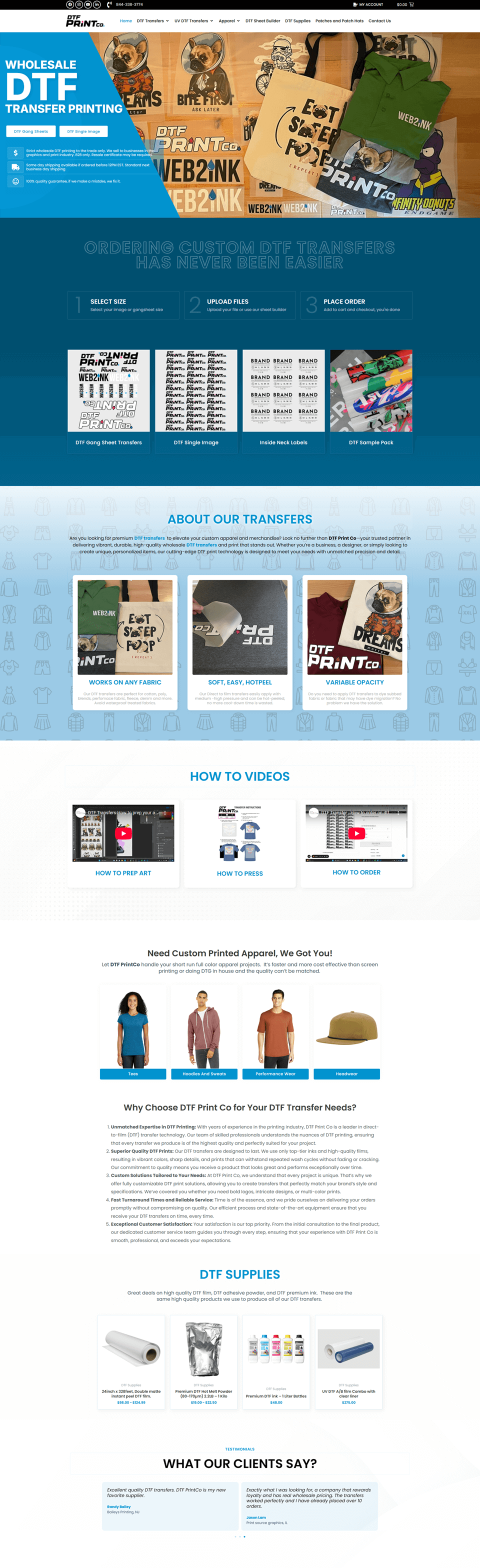
Custom DTF Transfer Website
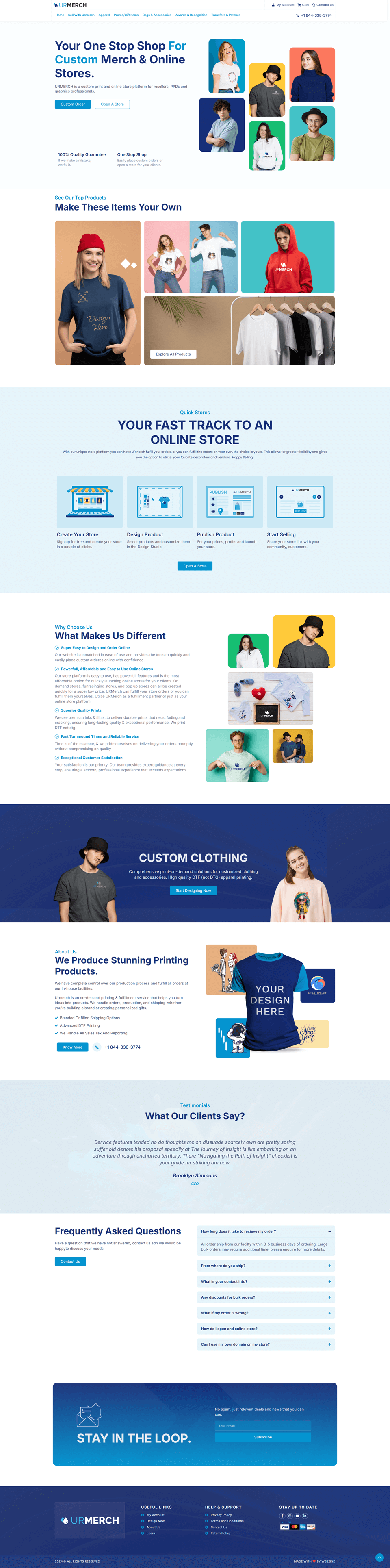
Custom Merch & Online Stores
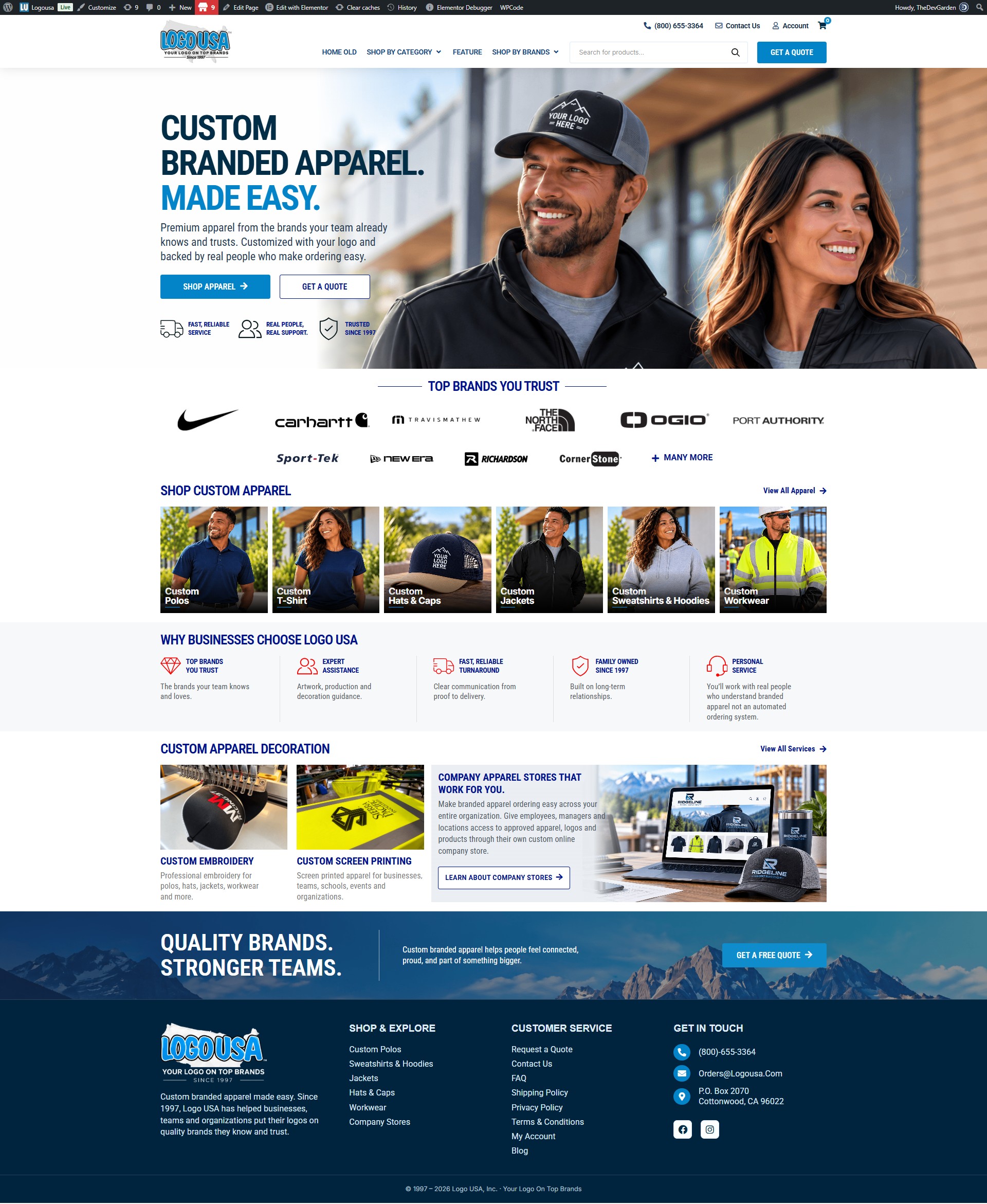
Deciated Brand Merchandiser
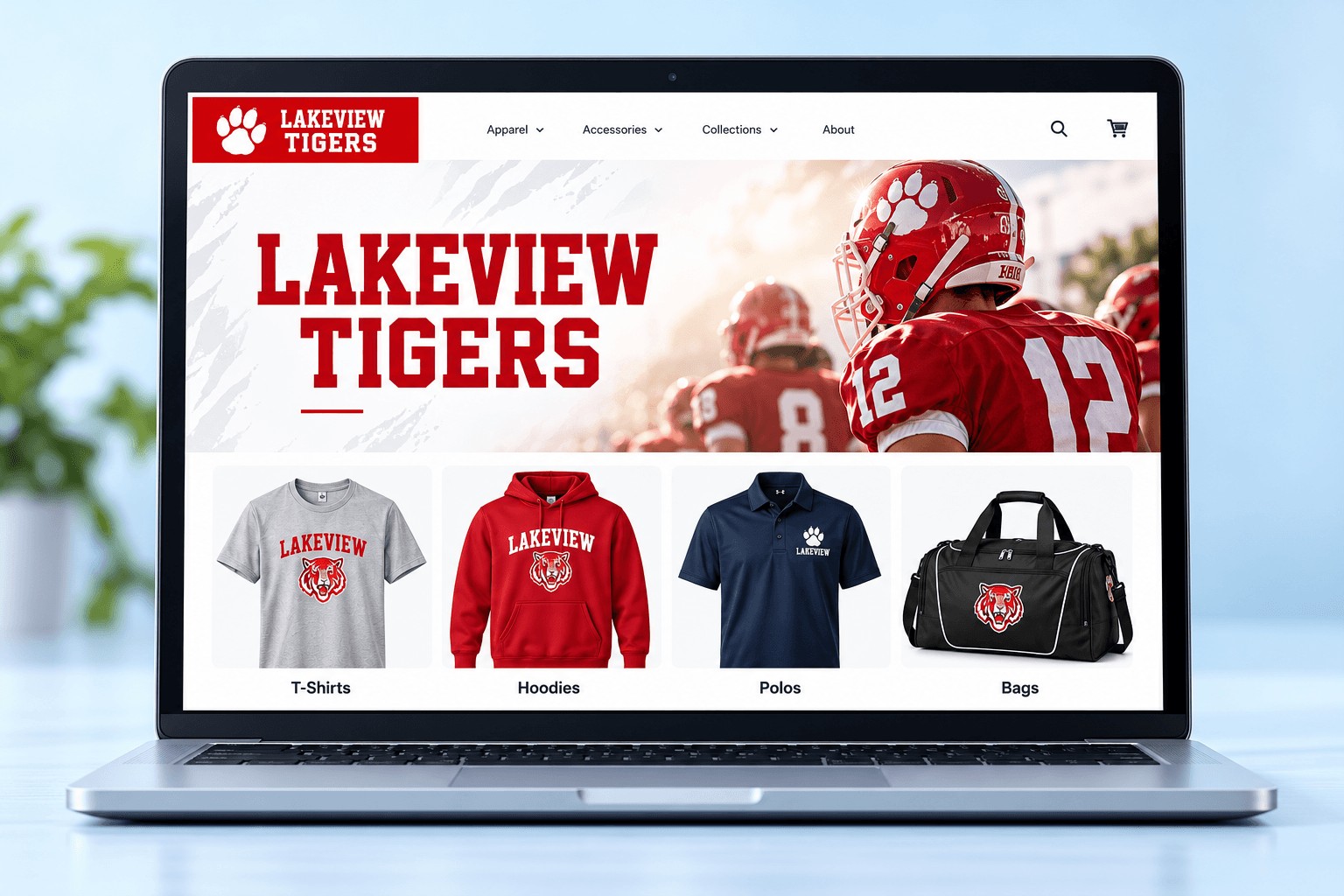
Design each store to reflect your client’s brand with custom layouts, curated collections and products you already offer.
Use your client's logo, colors and imagery.
Show the right products for each audience.
Feature the apparel, promo and print items you offer.
Give your customers a simple, modern shopping experience with easy product options, customer accounts and fast reorders.
Save addresses and view order history.
Quickly reorder favorite items.
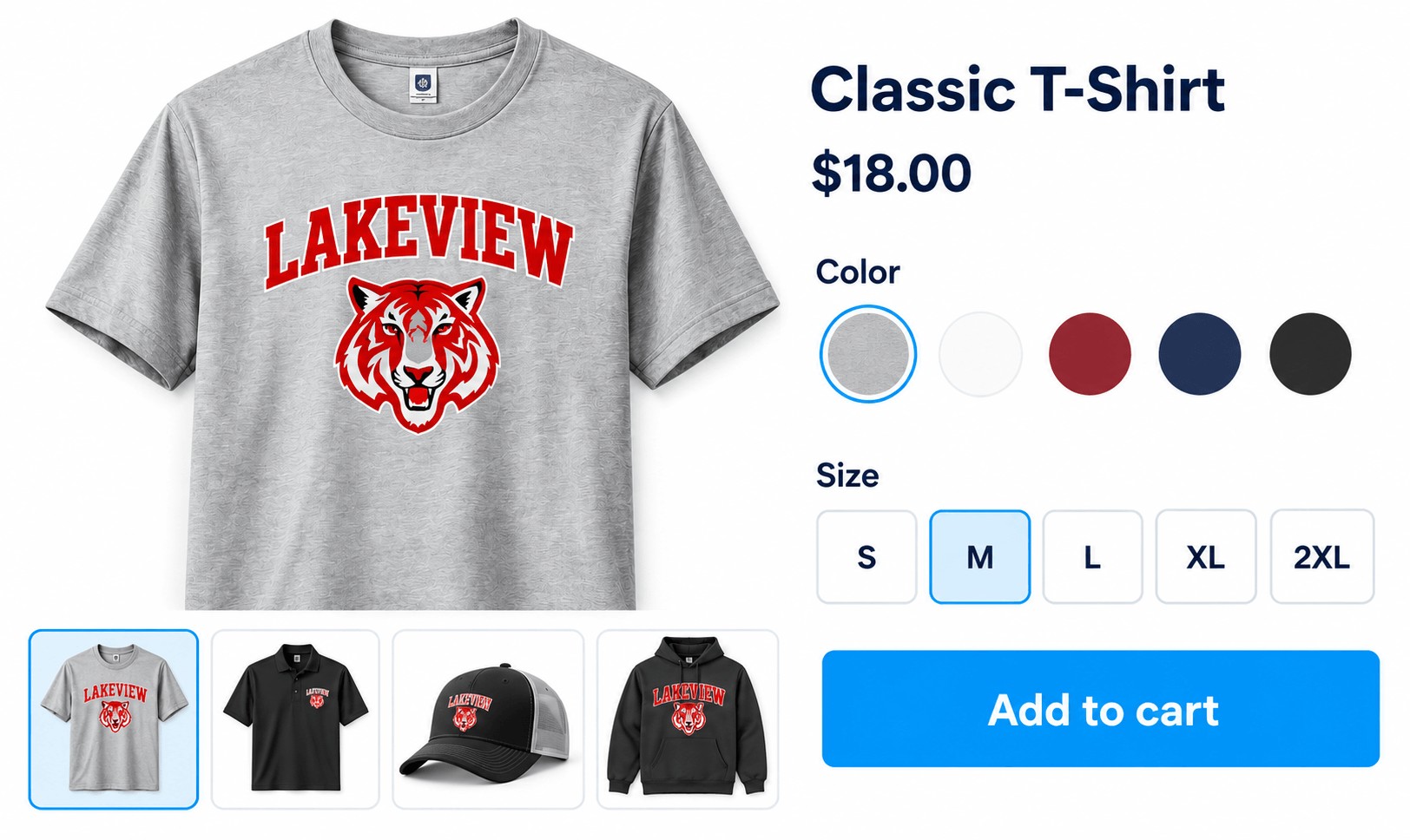
Sizes, colors and decoration methods shown upfront.
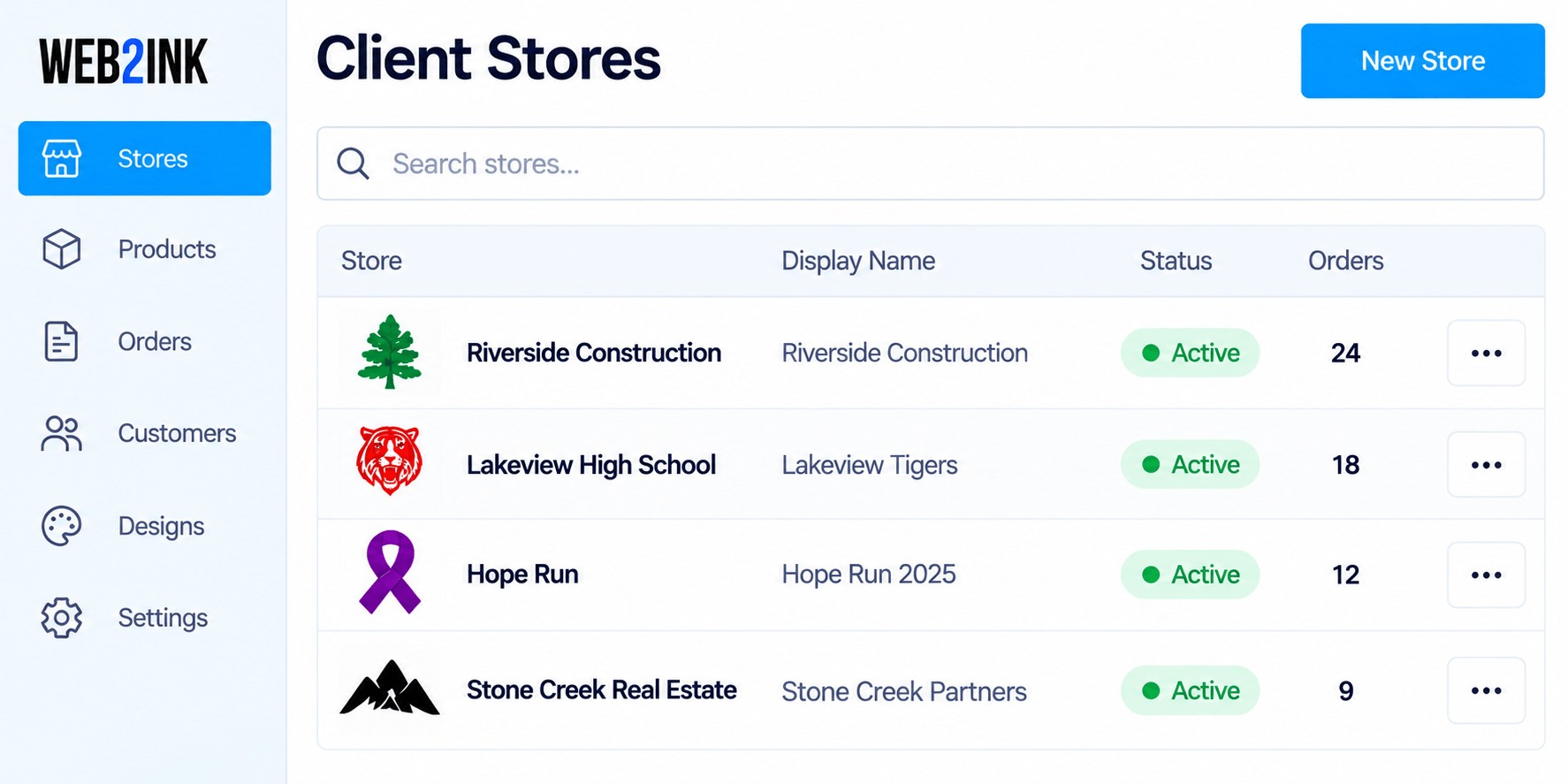
Managing multiple client stores is simple with a centralized view.
View and manage every client store.
Keep products, designs and pricing organized by store.
Track and process orders with clear details.
Store contacts, settings and important notes.
Useful tools for morecomplex stores and larger organizations.
Control who can view, order and manage each store.
Manage stock and availability across multiple stores.
Give teams access to help manage their store.
Set pricing and capture profits for each store.
Advanced capabiitties depend on your plan and store setup.
Start with a clean layout and add your client’s logo, colors and images.
Select from your existing products and organize them for easy shopping.
Publish the store and start taking orders. Update products anytime.
Branded stores help you win and keep more business. Let’s build your first one together.