

- GETSUPPORTX
- AI-NATIVE CUSTOMER SUPPORT
Better support. One connected
workspace.
Bring tickets, live chat, help articles, and AI assistance together so your team can focus on customers.
- No credit card required
- AI starts with your first payment
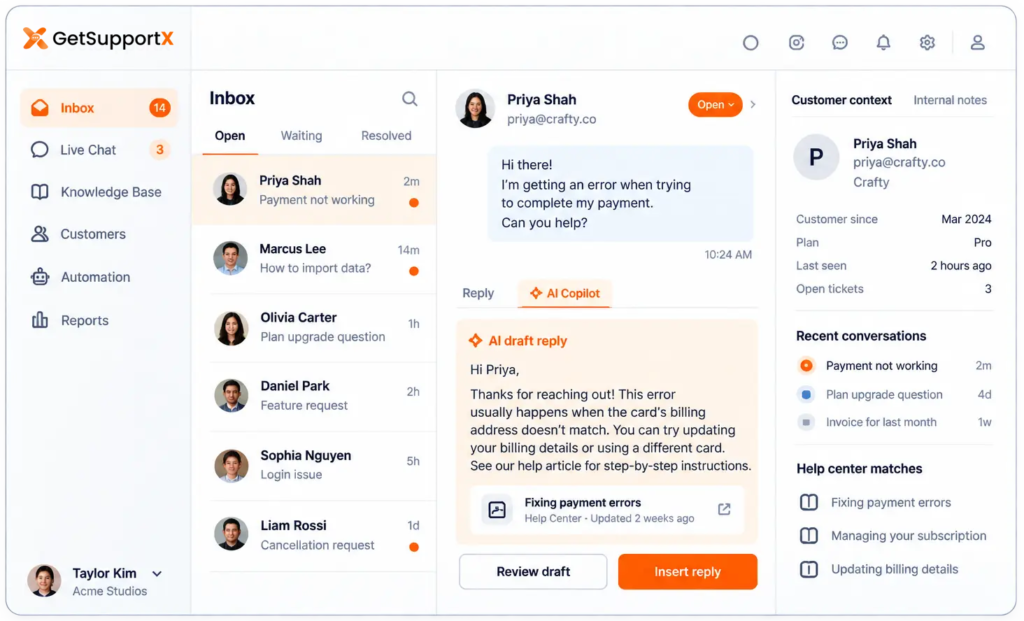
Shared inbox
Manage all customer conversations together.
Live chat
Manage all customer conversations together.
Knowledge base
Create and share helpful self-serve content.
AI Copilot
Draft replies, find answers, and work faster.
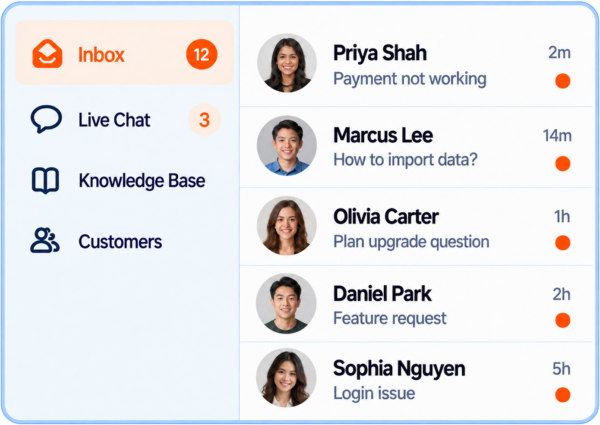
Every conversation, in one inbox.
Bring email, live chat, and more into a single, organized workspace.
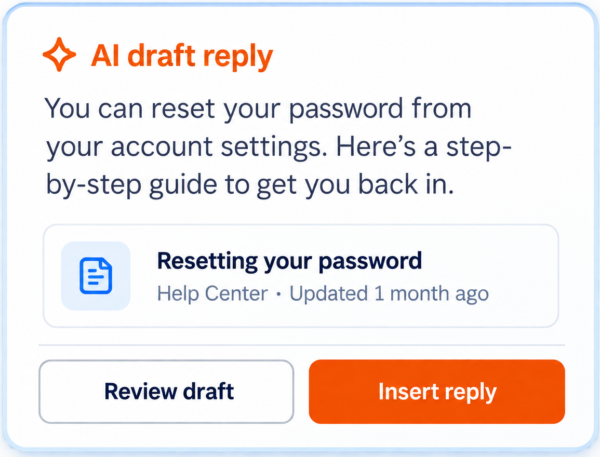
Answers grounded in your help center.
The AI Copilot cites relevant articles so you can reply with confidence.
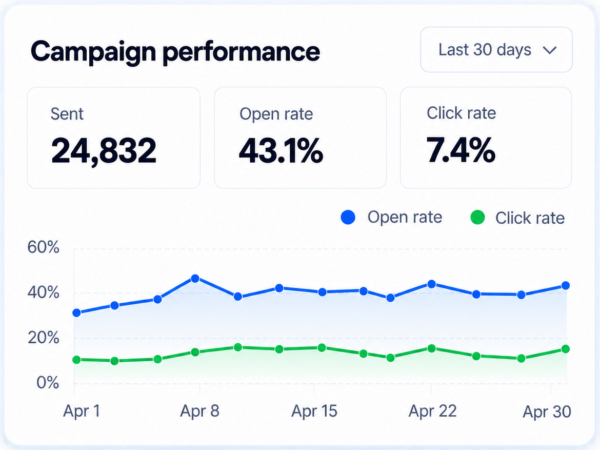
Keep work moving with automation.
Automatically route, prioritize, and assign tickets so nothing falls through the cracks.
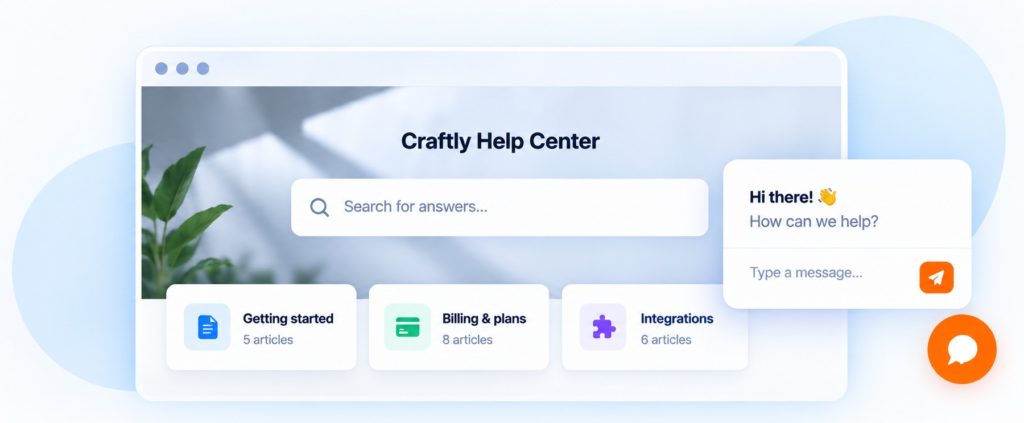
Help customers
help themselves..
Every client.
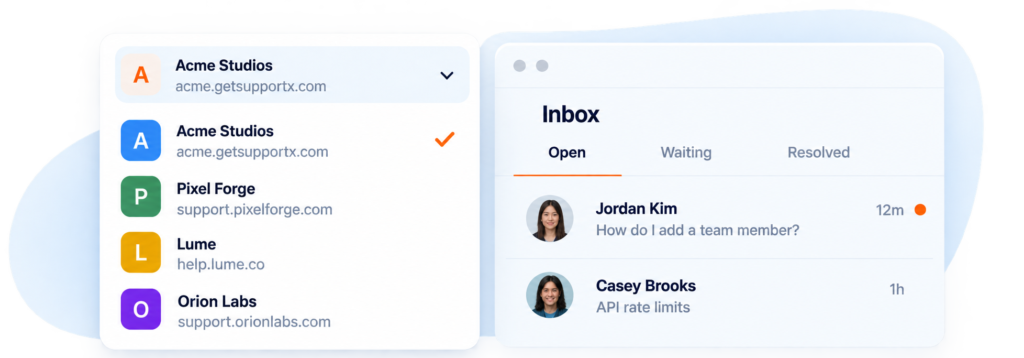
Their own
support workspace.
Separate client data and manage workspaces from one login.
Custom domains and white-labeling on Growth and above.
Get started in three simple steps.
Connect
Bring in your existing support channels and data.
Organize
Set up your teams, automations, and help center.
Resolve
Start helping customers with AI-powered support..
Frequently asked questions.
Can I try GetSupportX before paying?
Yes! You can start with a 14-day free trial to explore GetSupportX and its customer support features before choosing a plan.
Is AI available on all plans?
AI features are available according to your selected plan. Check the pricing page for the AI features included in each plan.
Is GetSupportX a good fit for agencies?
Yes. GetSupportX supports separate client workspaces, helping agencies manage client conversations and support teams from one login.
How does pricing work?
GetSupportX offers different plans based on your team’s needs and included features. Visit the pricing page to compare plans and choose the right one.
Make every support conversation count.
- No credit card required
- AI starts with your first payment
