

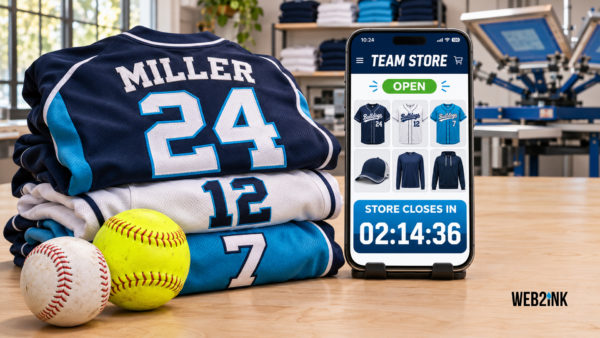
Company Store Software for Print Shops: How to Launch Holiday and Corporate Stores
A print shop playbook for launching holiday and corporate company stores, with a five-week timeline, fee math and the software options compared.
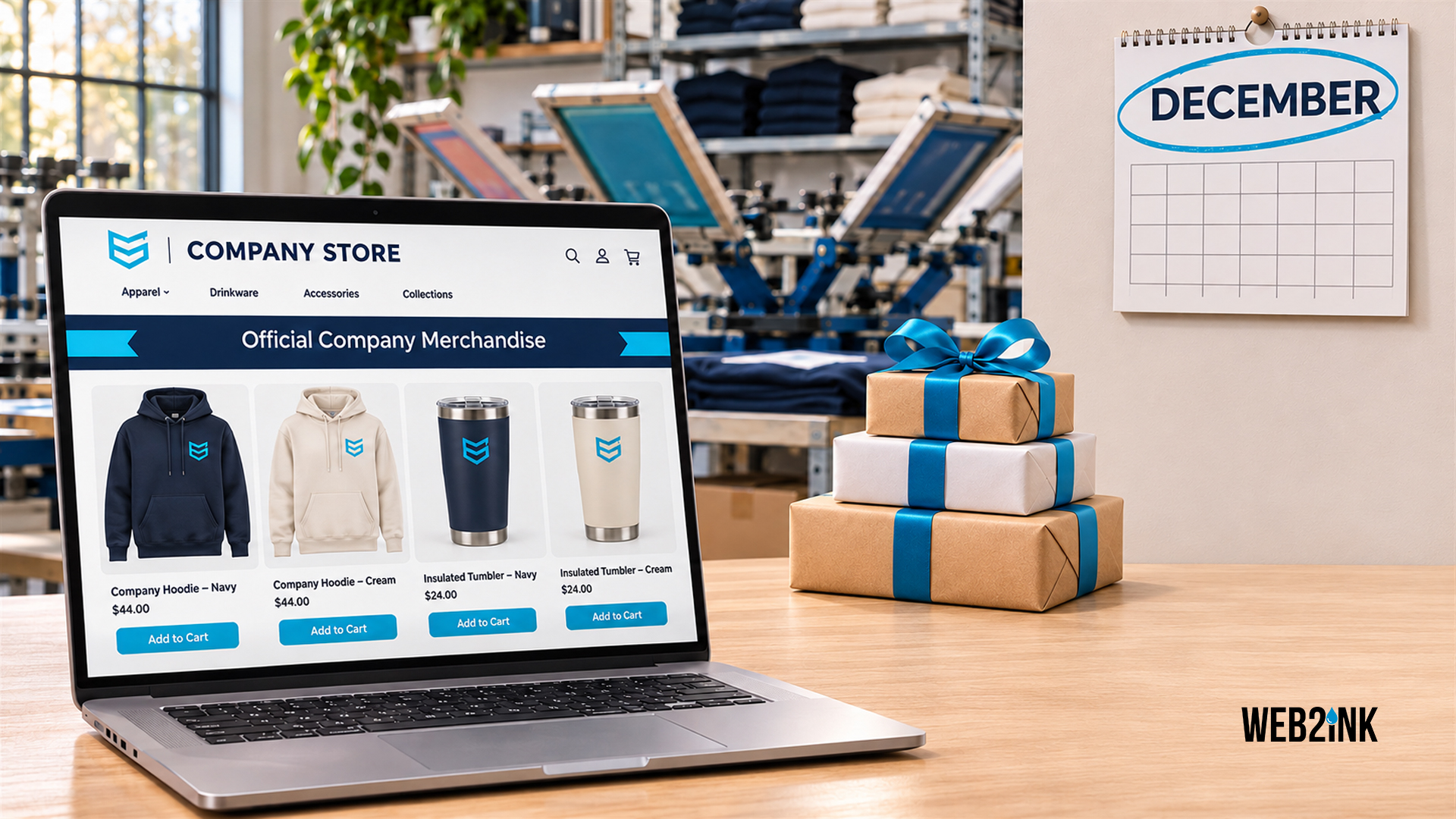
How do print shops set up holiday and corporate company stores?
October through December is company store season. That is when businesses want holiday gifts for staff, branded gear for year-end events and a store their new hires can use in January. So if you can launch a store in days, not weeks, you get those orders. Here’s how to do it.
To launch a holiday company store, run a pop-up with a fixed close date, 5 to 8 products and a clear rule on who pays, then work backward from delivery. Plan about five weeks: one to build and approve, two open, two to produce and ship. Finally, software with no percentage fee keeps more margin.
Updated November 2026 · By Steve, print shop owner and founder of Web2Ink
What is company store software, and what should it do?
Company store software lets you build a private online store for one business, stocked with that business’s logo on products you choose. Employees or the company order there, and then you produce the orders in a batch or one at a time.
For a print shop, good company store software should handle these jobs without workarounds:
- Fast store setup. Copy a past store, swap the logo and products, then open it the same day.
- Private access. A password, a private link or customer accounts so the public can’t buy the company’s gear.
- Open and close dates. Pop-up stores need a hard cutoff so you can batch production.
- Decorated-product pricing. Prices that include print locations and setup, rather than just a flat shirt price.
- Personalization. For example, names on jackets and department names on shirts.
- Order reports. Totals by product, size and color when the store closes, so you can order blanks once.
- Payment options. Employee pays, company pays, or both. Confirm what each platform supports before you sell a client on a model.
- Profit sharing. Some clients want a share of sales sent to a charity or employee fund.
Web2Ink includes client, company and team stores that your customers can create and manage themselves, with profit sharing built in. That last part matters. When the office manager can add a product or extend a deadline without calling you, you can run more stores with the same staff.
Should you run a pop-up store or an always-on store?
Most shops run both, for different reasons. For example, holiday stores are almost always pop-ups, while year-round uniform and new-hire programs are always-on.
| Pop-up store | Always-on store | |
|---|---|---|
| Open for | 1 to 3 weeks | All year |
| Best use | Holiday gifts, events, launches, fundraisers | Uniforms, new-hire kits, reorders |
| Production | One batch after close, so blank and setup costs are lowest | Small orders as they come, or stocked inventory |
| Your risk | Low, because you order blanks after you know the sizes. | Higher if you hold stock, but lower if you print on demand. |
| Product count | 5 to 8 items keeps choices quick | Wider range, plus a reorder catalog |
| Price strategy | Price for one batch run | Price for small runs, or charge more for one-off orders |
The product counts are a starting point from what I’ve seen work, rather than a rule. In general, fewer choices mean faster decisions and a cleaner batch.
Who should pay: the employee or the company?
Settle this in the first call, because it changes how you build the store.
- Employee pays. Each person checks out with a card, so it’s simple for you and best for optional spirit gear.
- Company pays. Typical for holiday gifts. Employees pick items, then the company gets one invoice. Ask whether there’s a per-person limit, such as one item each or a set dollar amount.
- Mixed. The company covers one gift, and employees can also buy extras. Popular, but make sure your platform handles it cleanly before you promise it.
What does a company store cost to run, and what can you make?
Platform fees decide how much of each store you keep. As of November 2026 (check vendor sites for current pricing):
| Platform | Company store pricing | Fee on a $6,000 holiday store | Fee on $40,000 a year of store sales |
|---|---|---|---|
| Web2Ink Pro | $299/mo + $2,500 setup, advanced stores included | $0 percentage fee | $0 percentage fee |
| OrderMyGear | $119 to $199/mo hosting, $1,899 to $2,999 license, pop-ups 3.95% of cart | $237 (pop-up) | $1,580 if all pop-up |
| Chipply | $0/mo, $1,000 onboarding, 3.5% + card fees per order | $210 + card fees | $1,400 + card fees |
| InkSoft | Growth ~$314/mo, Bundle ~$419/mo, plus license | No percentage fee advertised | No percentage fee advertised |
| DecoNetwork | $239 to $439/mo plus license | No percentage fee advertised | No percentage fee advertised |
Card processing fees also apply on every platform, but they are left out of this table.
For example, say a 120-person company runs a holiday pop-up. The company pays for one gift per employee, with a $50 cap. All 120 order, at an average of $48.
- Store revenue: 120 x $48 = $5,760.
- Your cost of goods: say blanks plus decoration run 50% of price, so $2,880. Of course, use your own numbers here.
- Gross profit before fees: $2,880.
- A 3.95% pop-up fee would take $228 of that. A 3.5% fee would take $202, while a flat monthly plan takes nothing extra per order.
- Profit share: if the company wants 10% sent to its holiday charity drive, that’s $576. Price it in from the start so it comes from the store price, not your margin.
One store won’t decide which platform is cheapest, but ten stores a quarter will. So add up the stores you expect to run in a year, then compare the totals.
How do you launch a holiday store in time for delivery?
Work backward from the date the boxes must be in the client’s office. Most corporate buyers want gifts before the last workday before the holidays. If that’s Friday, December 18, here’s a five-week plan that starts the week this post goes live.
Holiday company store: five weeks, worked backward from Dec 18
Nov 16 to 25
Kickoff call, logo files, product picks, mockups, approval
Nov 30 to Dec 9
Store open 10 days, reminder emails at day 5 and day 9
Dec 10 to 15
Close report, order blanks, produce in one batch
Dec 16 to 18
Sort by person, bulk ship or deliver to the office
The production window depends on your capacity and your blank supplier. If blanks take three days to arrive, the close date has to move earlier, not the delivery date. Holiday shipping also gets slow and expensive in late December, so bulk shipping to one office address is safer than shipping to 120 homes.
Here’s the launch checklist I’d use:
- Get the logo right first. Ask for vector files on the kickoff call. But if you only get a blurry JPG, an image vectorizer can turn it into clean vector art.
- Pick 5 to 8 products. Mix price points. For example, a beanie, a tumbler, a hoodie, a quarter-zip and a tote covers most offices.
- Show mockups, not descriptions. After all, people order what they can see on the product.
- Set one hard close date. Put it at the top of the store, as well as in every email.
- Write the emails for your contact. Send them a launch email and two reminders they can forward as is.
- Decide sorting and delivery. Bag and label by name, then bulk ship or drop off.
- Copy the store for next year. Your best sales pitch in October 2027 is “Want to run last year’s store again?”
How do you pitch company stores to businesses?
Start with clients who already buy from you, since anyone who ordered staff shirts, event gear or uniforms this year is a good fit. The person to talk to is usually the office manager, HR lead or marketing coordinator, because they’re the one chasing sizes by email today.
Keep the pitch about their headache rather than your software:
“Instead of collecting sizes over email, I’ll set up a private store with your logo. Everyone picks their own item and size, the store closes on the 9th, and we deliver everything bagged by name before your party. You get one invoice.”
That’s a pitch an office manager can say yes to on the phone. In the same way, promo distributors and brokers can pitch it too. See how Web2Ink supports print brokers and promo distributors.
Which company store software fits your shop?
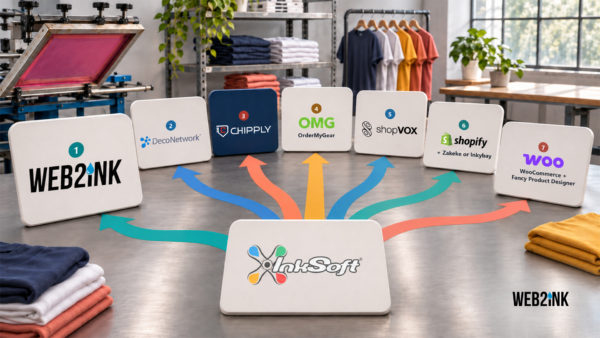
- Best for shops that want stores on their own branded website, with no sales fee: Web2Ink. Stores live on your custom site, customers can create and manage their own stores, and profit sharing is built in. Its order manager is lighter than full shop management systems.
- Best for distributors running large corporate programs: OrderMyGear. It’s well known for group ordering, but pop-ups cost 3.95% of cart and it now shares a parent company with InkSoft.
- Best for low volume with no monthly bill: Chipply. You pay 3.5% plus card fees per order, which gets expensive when you grow.
- Best for shops that want production management in the same system: DecoNetwork. Its production tools are deeper than Web2Ink’s, but reviews mention big price increases.
- Best if you already use InkSoft and it works: stay put and compare when you renew. Our Web2Ink vs InkSoft and DecoNetwork page lays out the differences.
What mistakes sink company stores?
- Too many products. Twenty choices slow everyone down and also spread your batch thin.
- No close date, or a soft one. Extending the store three times kills your production window.
- No size help. Add a size chart to every product, because exchanges eat holiday margin.
- Shipping to every home in December. Bulk ship unless the client pays for individual shipping.
- Forgetting January. When the holiday store closes, offer an always-on store for new hires and reorders. Then line up spring team stores, which get set up in December and January. See how custom stores handle both.
Launch your first company store this season
Web2Ink gives you a custom print shop website with company, team and client stores your customers can manage themselves, profit sharing and no percentage fee on store sales. Most sites then launch 5 to 7 business days after onboarding.
Frequently asked questions
What is company store software?
It’s software that lets a print shop build a private online store for one business, with that company’s logo on products you choose. Employees or the company order there, and you then produce the orders in a batch or as they come in.
How long should a holiday company store stay open?
Ten days to two weeks works for most holiday pop-ups. That’s long enough for everyone to order with two reminders, but short enough to leave about a week for production and delivery.
How far ahead should I start a holiday company store?
Plan about five weeks before the delivery date: one week to build and approve, about two weeks open, and about two weeks to produce, sort and ship. Move the close date earlier if your blanks take longer to arrive.
Do company store platforms charge a percentage of sales?
Some do. As of November 2026, OrderMyGear pop-up stores cost 3.95% of cart and Chipply charges 3.5% plus card fees per order. Web2Ink, by contrast, charges no percentage fee on store sales. Still, check each vendor’s site for current pricing.
How many products should a company store have?
Five to eight products is a good starting point for a holiday pop-up. Mix price points, such as a beanie, tumbler, hoodie, quarter-zip and tote. Always-on stores, on the other hand, can carry more.
Can a company store send part of its sales to a charity?
Yes, if your platform supports profit sharing. Build the share into the store price from the start, so it comes from the price the buyer pays and not from your margin.
About Web2Ink: Web-to-print platform and custom websites for screen printers, embroiderers, DTF and sign shops, with an online designer, instant quoting and company stores. From $79/mo. Based in Charlotte, North Carolina.
Web2Ink supports third-party integrations and can also provide custom development for workflows that require a specialized connection. The exact integration scope should be confirmed during discovery.
popular articles
Share this article
Build a better print shop website.
Get a modern, high-performing website designed for print businesses.
RELATED ARTICLES
Keep learning. Keep growing.
More practical ideas to help you run a stronger, more successful print shop.
Put these ideas to work for your shop.
See how Web2Ink can help you sell more print online and grow your business.
